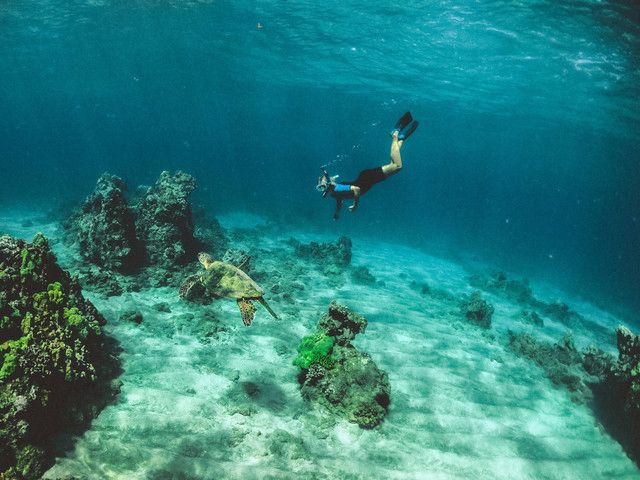
Marine Tourism
Snorkeling Spot
Explore clear waters, coral reefs, and tropical fish at one of Makassar’s favorite snorkeling spots.
View Details › View in AR 4 objects
Enjoy an amazing marine tourism experience with Augmented Reality (AR).
📍 EXPLORE TOURISMSnorkeling
Available
Tour Boat
Enjoy an interactive experience with 3D objects and interesting information about Samalona Island.
Explore attractions, snorkeling spots, accommodation, and destination information interactively through Augmented Reality (AR) technology.
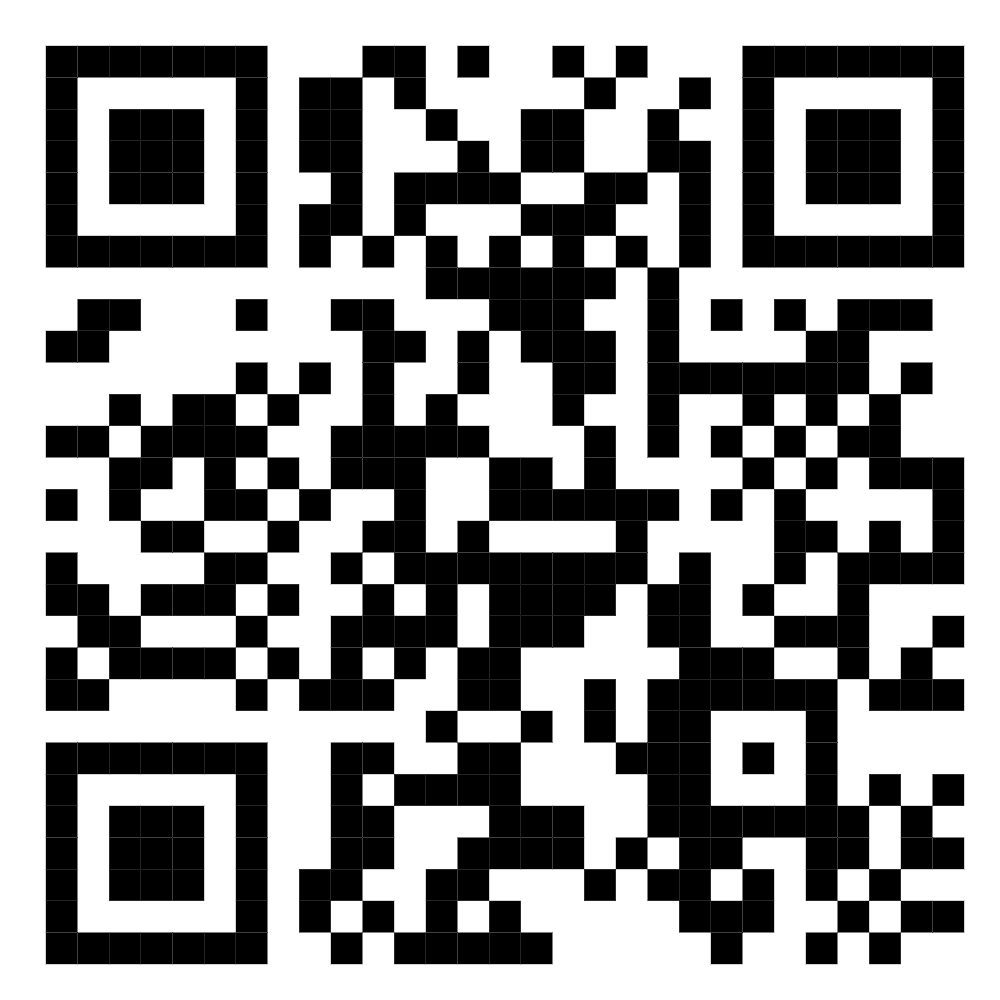 SCAN ME
Discover marine beauty, complete facilities, and interactive experiences at one of Makassar’s best destinations.
Explore clear waters, coral reefs, and tropical fish at one of Makassar’s favorite snorkeling spots.
View Details › View in AR 4 objects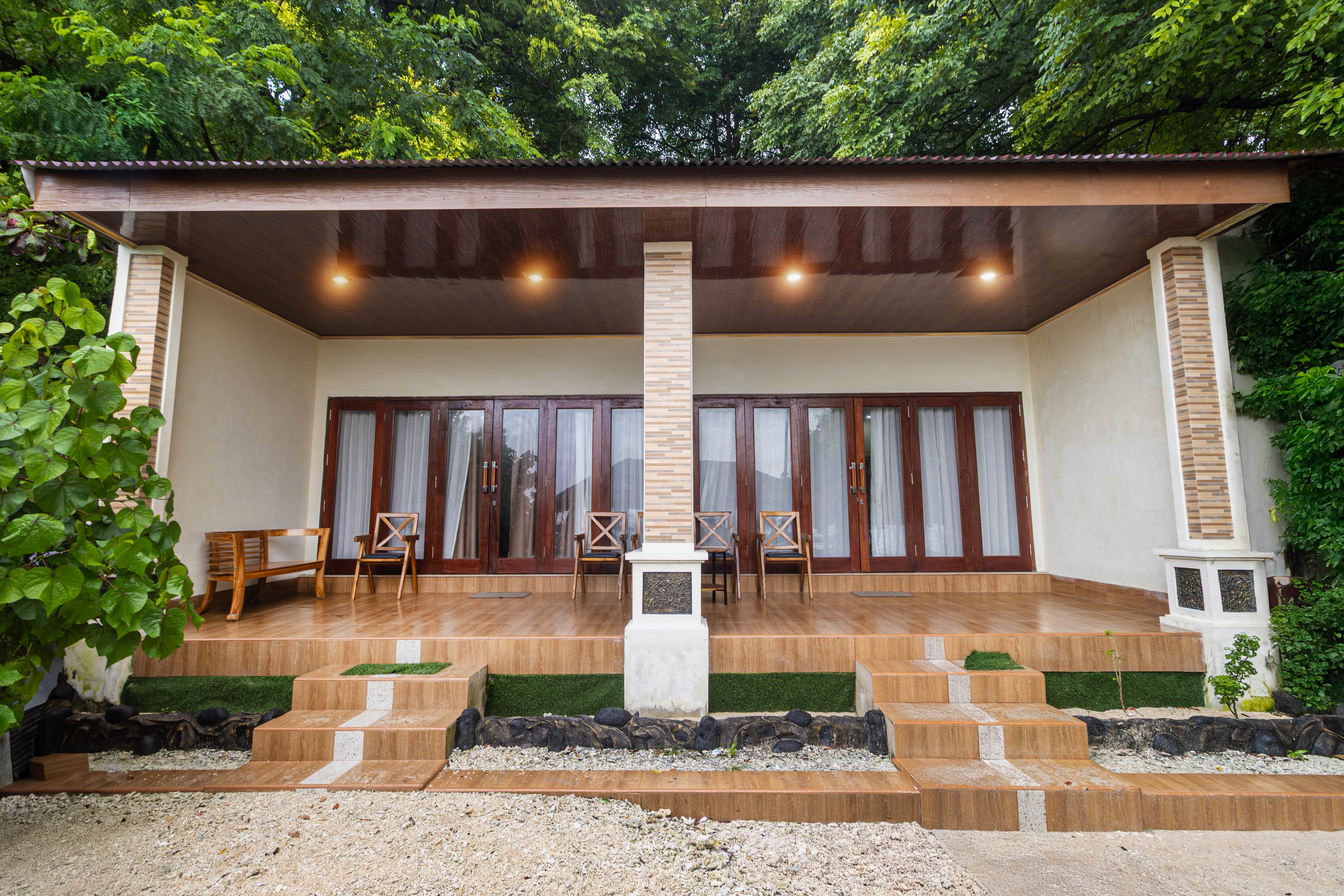
Find comfortable places to stay with an island atmosphere and beach views.
View Details › View in AR 1 object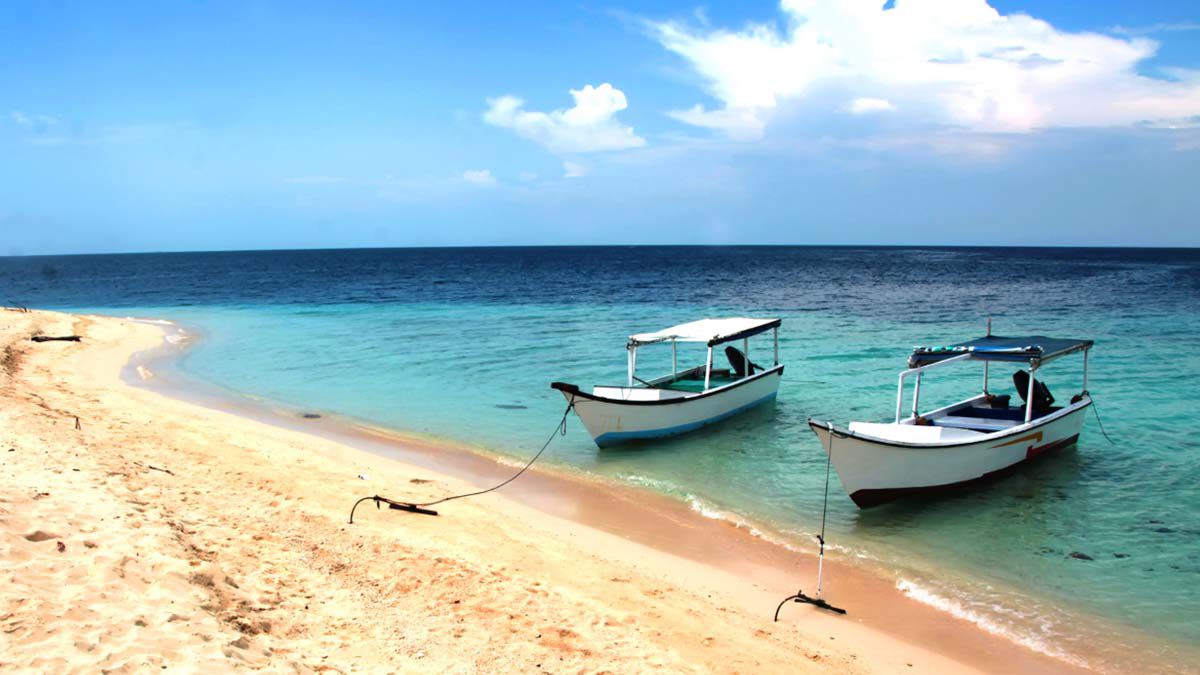
Crossing boat information for Samalona Island, with a travel time of approximately 20–30 minutes.
View Details › View in AR 1 object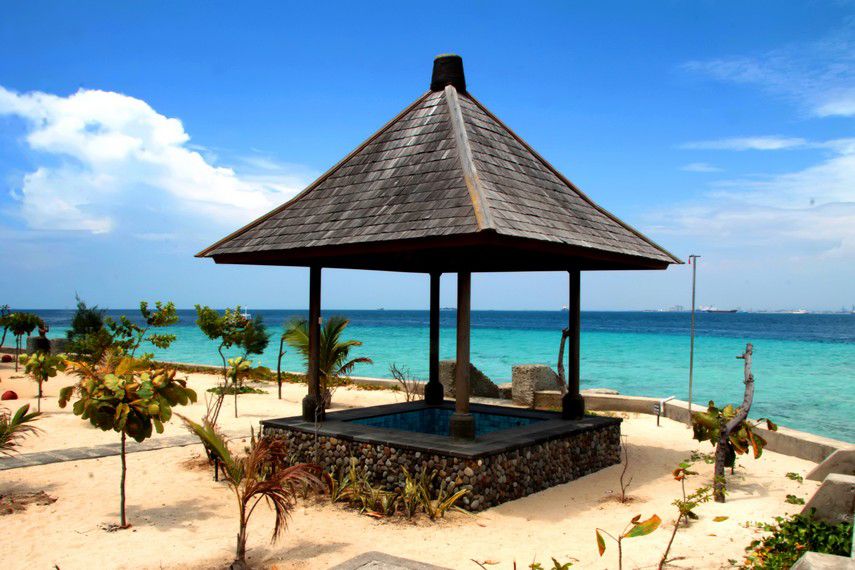
Gazebos, local cuisine, prayer room, public restrooms, and supporting facilities for visitor comfort.
View Details › View in AR 1 object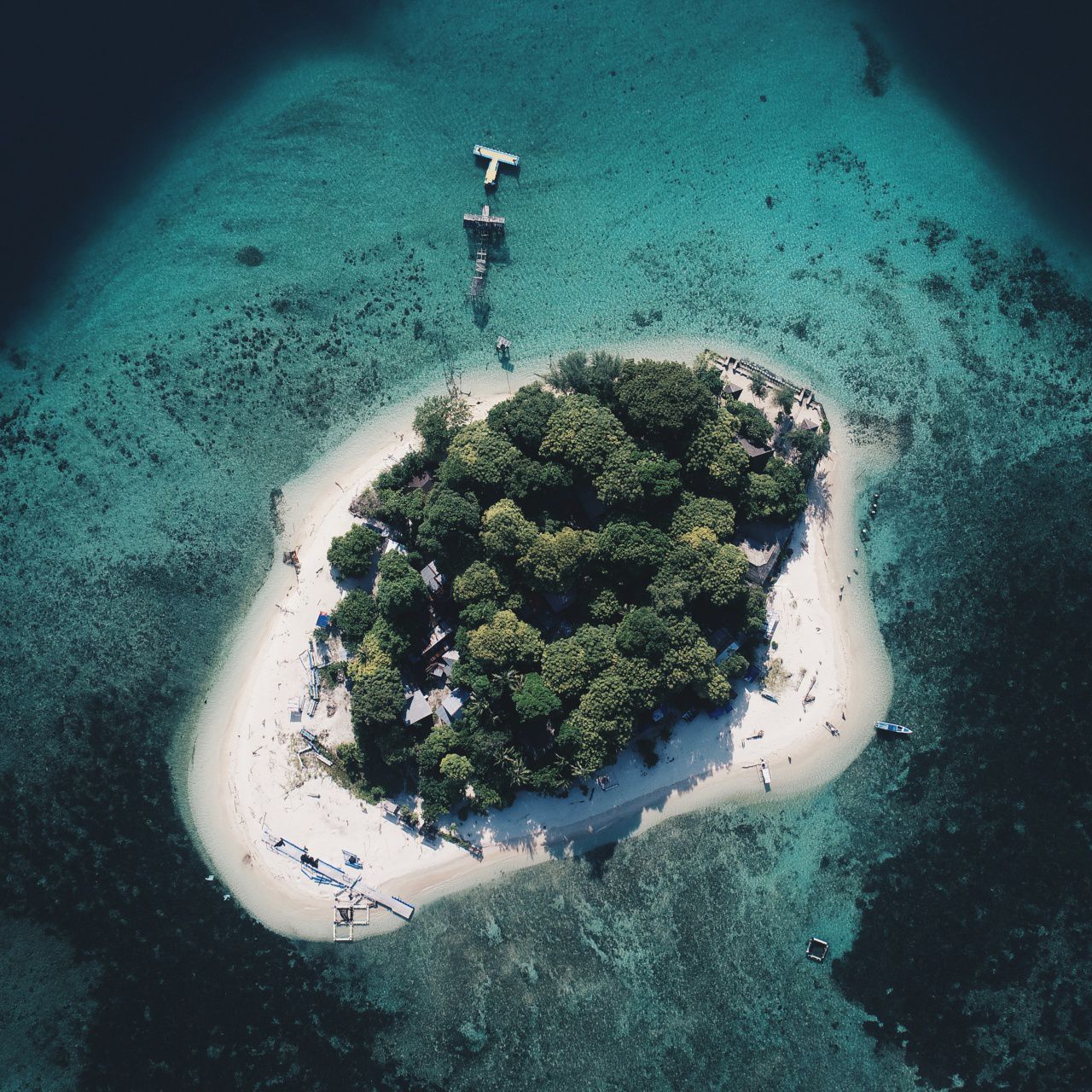

Samalona Island is known for its clear waters, tropical scenery, and fascinating marine life. This website helps visitors find destination, facility, price, contact, and AR experience information in one place.
Follow these simple steps to open the Samalona Island Augmented Reality experience.
Open the official Samalona Island website.
Select the AR Experience menu on the website.
Point the camera at the QR code.
Tap the link that appears to open AR.
The 3D object and its information will appear.